Mortgage payoff calculator.
See what extra principal payments and a one-time lump sum do to your mortgage: the new payoff date, the years removed, and the interest you never pay. Set a goal year and get the payment that hits it.
Paid on top of the regular payment, straight to principal.
Debtless keeps all your debts on one plan and moves your debt-free date as you pay. 7-day free trial on iPhone.

How to use it.
- [ 01 ]
Enter the balance and rate
From your latest statement. Use the remaining principal, not the original loan amount. - [ 02 ]
Months left, or your payment
If you know the principal-and-interest payment, switch to Payment mode and type it. Otherwise enter the months remaining and the calculator derives it. - [ 03 ]
Add the extra
Drag the slider or type an amount. Add a lump sum if you have one now. The results and chart update immediately. - [ 04 ]
Try a goal
Enter the number of years you would like to be done in. The line under the results shows the payment that gets you there.
Extra principal, explained.
On a long loan, early payments are mostly interest. The example above, a $320,000 balance at 6.5% with 25 years left, charges over $1,700 in interest in the first month alone. Every extra dollar you pay now is a dollar that will not be charged interest for the next 25 years, which is why the saving looks disproportionate to the payment.
- Tell your servicer extra payments are for principal. Some default to holding them against future payments.
- Biweekly payments work the same way: 26 half-payments a year is one extra full payment. Enter that as extra each month divided by 12.
- Keep an emergency fund before you send extra to the mortgage; money in the house is hard to get back out.
- Higher-rate debts come first. Use the avalanche calculator to order everything you owe.
Keep the file.
The loan payoff spreadsheet runs the same comparison in Excel or Google Sheets, with both timelines month by month.
Keep going.
Any loan: how soon you're done with extra payments or a lump sum.
Pay the car off early and see the interest you skip.
Excel and Google Sheets calculator with extra payments and a lump sum.
How long until zero, and what an extra $50 a month does to the date.
The same plan, kept for you.
Debtless does this math from the payments you log and moves the date every month. 7-day free trial on iPhone.

One card, one number, one day you hit zero.
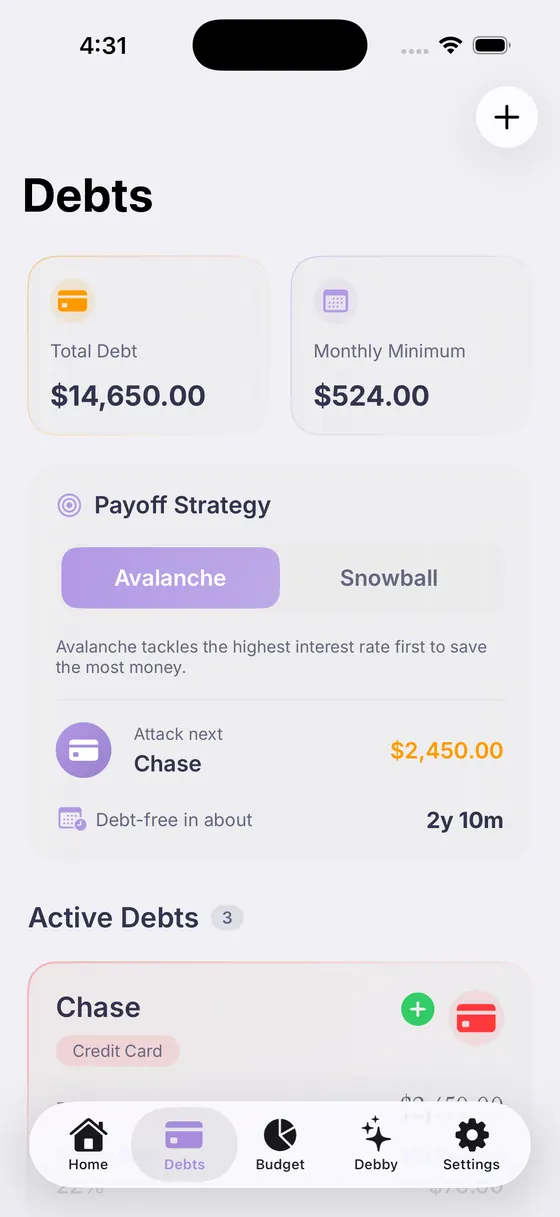
Pick the order, see the date move, switch any time.

Answers with your real balances, rates and budget.
Questions, answered.

Your debt‑free date is closer than you think.
Add your debts, pick a strategy, and watch the date move.
Free download · 7-day free trial